EarnTimeTry a challenge

A little focus.
A little freedom.

Learn something. Earn a little time.
Make room for both.

Math, logic and English for you or your family.

Free · iPhone & iPad · Currently in TestFlight

Find your routine

A moment to think.

  1. Question 1, current
  2. Question 2
  3. Question 3
  4. Question 4
  5. Question 5

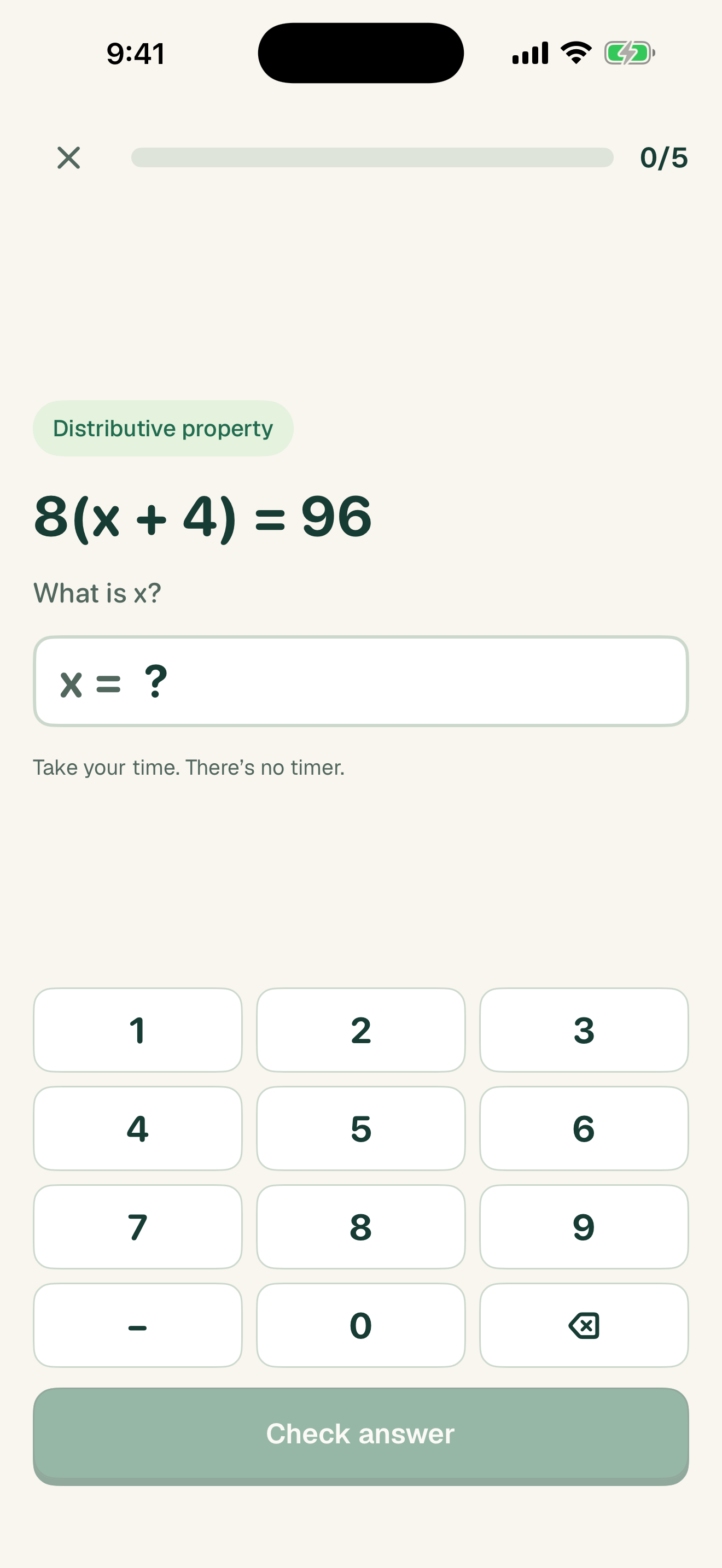
8 × 7 = ?

A website sample. No accounts, saved answers or app unlocking.

Small steps. Real progress.

A calm place to learn, with a little personality.

Watch the 34-second preview

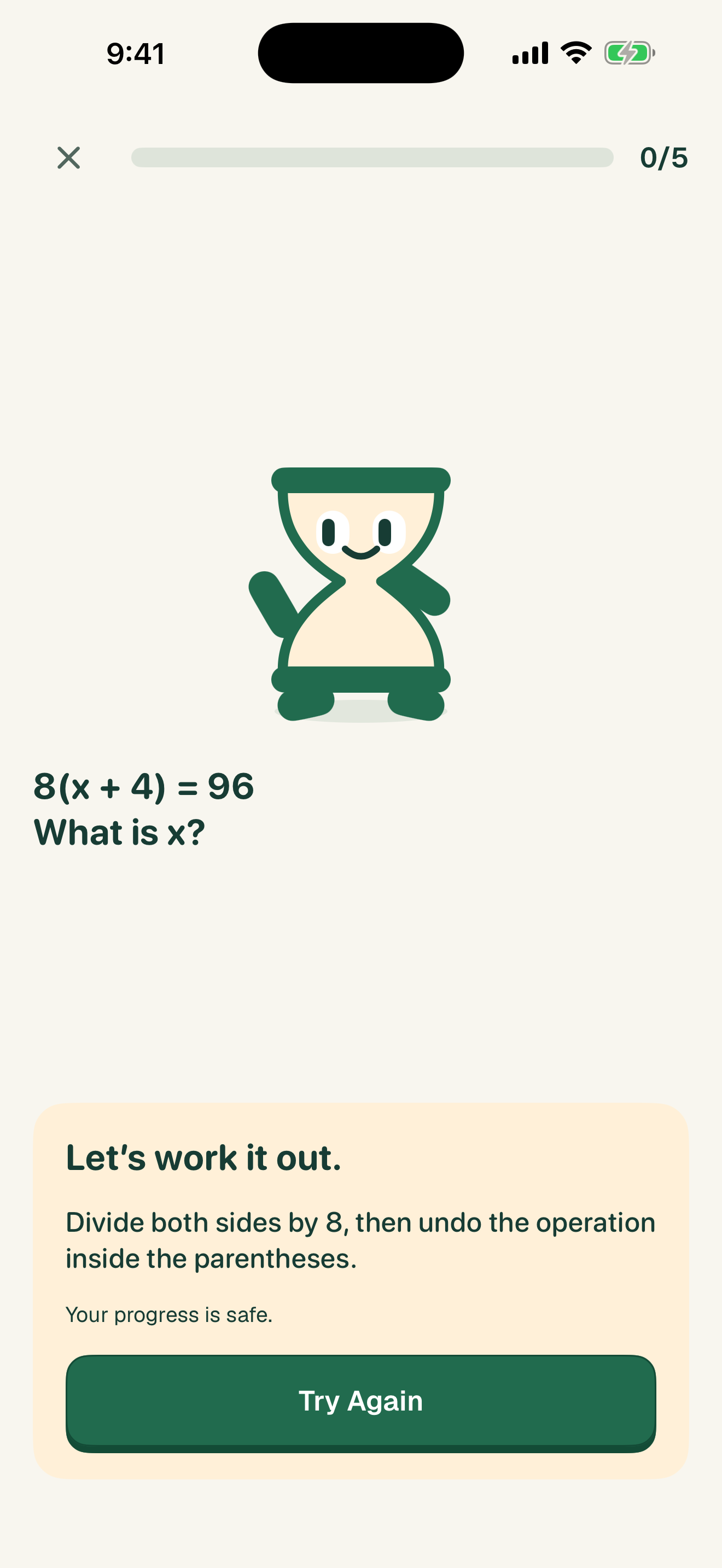
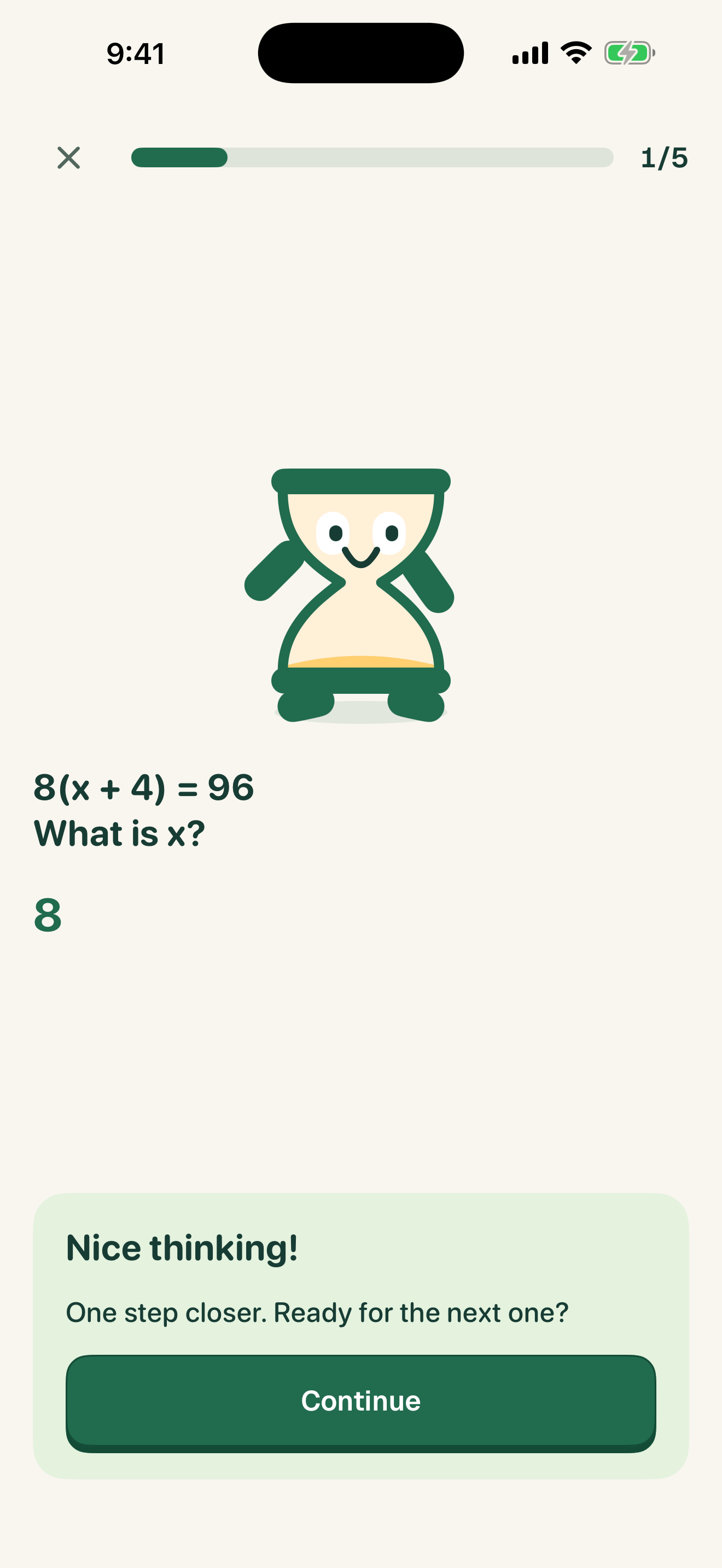
The hourglass waves, English practice offers choices, a wrong answer reveals a hint, Try Again returns to the same question, a correct answer celebrates, and a guardian pairs a device by QR code. Simulator recording with sample data; app unlocking is not demonstrated.

Your device.
Your kind of routine.

Start on your own, or make it a family thing.

Setup help

For myself

Your phone. Your goals. No account needed.

  1. Start for myselfChoose your grade and the subjects you want to practice.
  2. Choose your boundariesApprove Screen Time access and select the apps you want to protect.
  3. Learn, then enjoyOpen a protected app and complete its challenge to earn time. Or just practice whenever you like.

You can turn off your EarnTime app limits from the home screen.

For my family

A simple connection. Clear boundaries.

  1. Continue as guardianSign in with Apple on your device.
  2. Scan to pairUse the QR code on the child’s device, or enter the pairing code.
  3. Approve and personalizeA parent in the child’s Apple Family Sharing group approves Screen Time. Choose the grade, protected apps and reward limits.

Everyone keeps their own Apple Account. No shared passwords.

Good questions.

A little clarity before you start.

Visit support
Do I need an account?

Personal use needs no EarnTime account. Guardians use Sign in with Apple to manage a family and pair a child’s device. Children do not create a separate EarnTime login.

Do we share an Apple Account?

No. Each person keeps their own Apple Account. For child Screen Time authorization, the child and approving parent or guardian must be in the same Apple Family Sharing group. QR pairing connects EarnTime; it does not replace Apple’s approval.

Does every practice round earn time?

No. Practice mode is for learning and does not grant screen time. To earn time, open a protected app, choose its EarnTime challenge, and complete the required correct answers. Rewards stay within your configured daily limit and schedules.

What if I want to stop using app limits?

In personal mode, use Turn Off App Limits. For a child’s device, a guardian manages protected apps and policies in Parent Mode. EarnTime cannot override separate restrictions set by Apple Screen Time or another app.

Which devices can I use?

EarnTime supports iPhone and iPad running iOS or iPadOS 26.5 or later. The app is currently in TestFlight and awaiting App Store review.

How is our data handled?

There are no ads. Personal setup works without an EarnTime cloud account. Family mode uses a backend for pairing, policies and learning summaries. Read the privacy policy for the details, including account deletion. Privacy policy.